

All Devices and Apps are supported
How to setup IPTV on Fire TV Stick
1: From the home screen of your device, hover over the Find option.
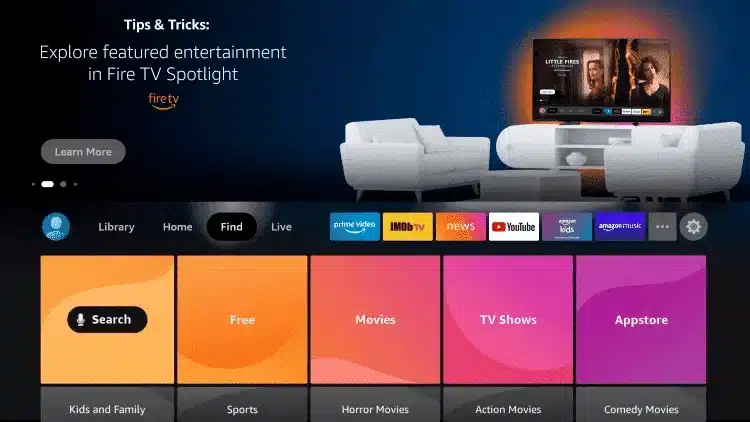
2: Click Search.
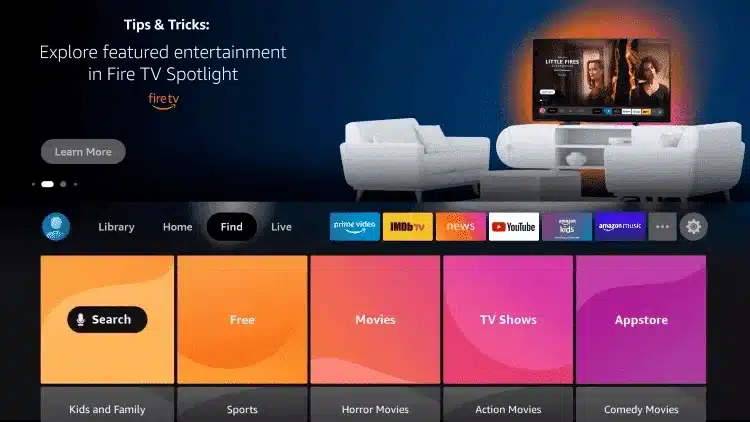
3. Search for and select Downloader.
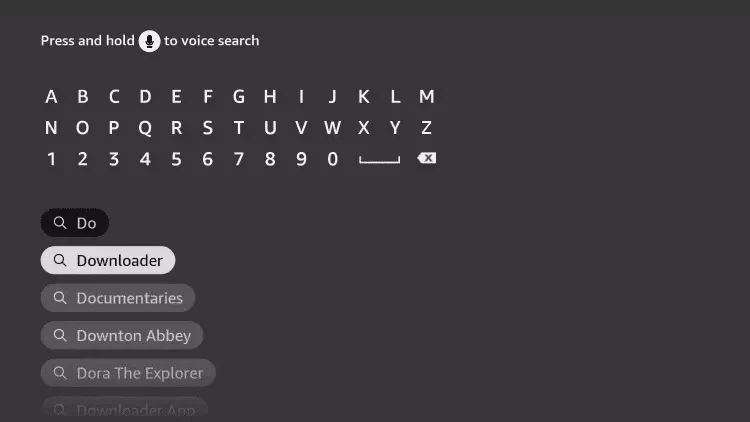
4. Choose the Downloader app.
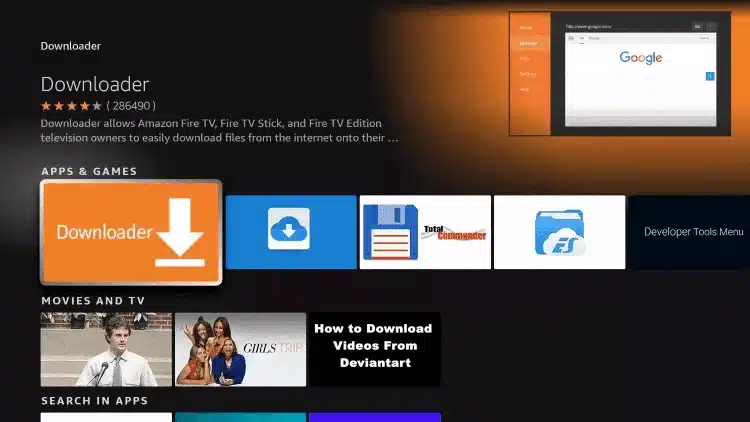
5. Click Download.
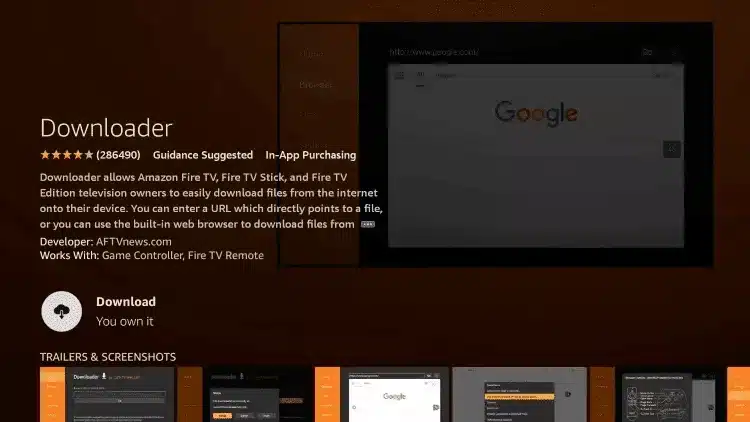
6. Once the app finishes installing click Open.
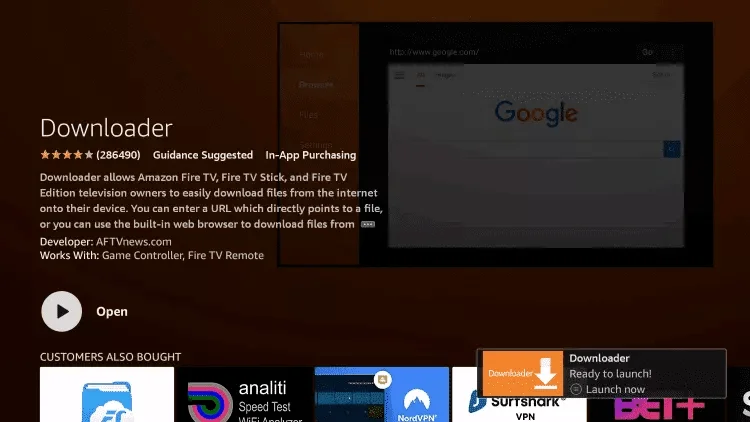
7. Return to the home screen and open Settings.
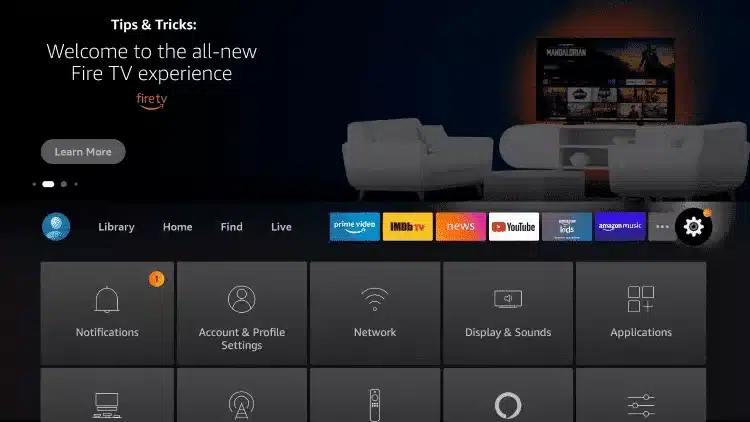
8. Click My Fire TV.
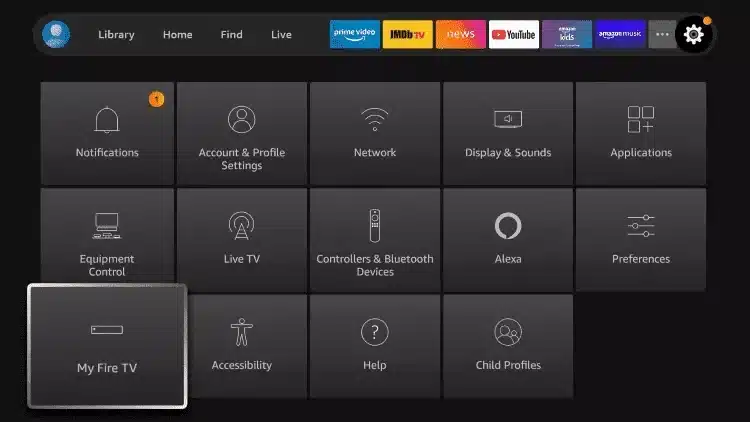
9. Choose Developer options.
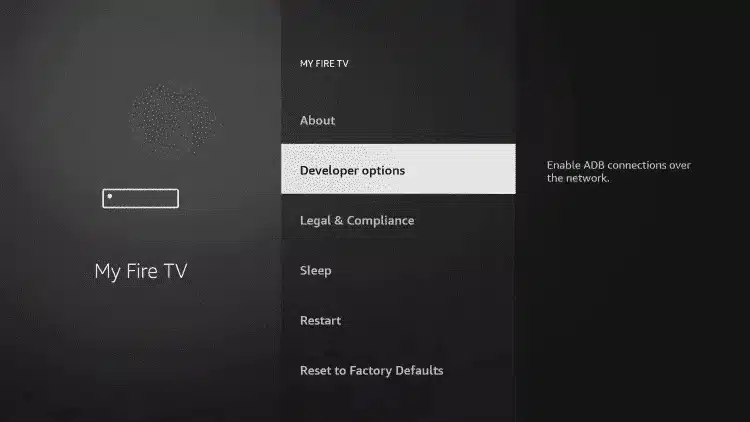
10. Click Install unknown apps.
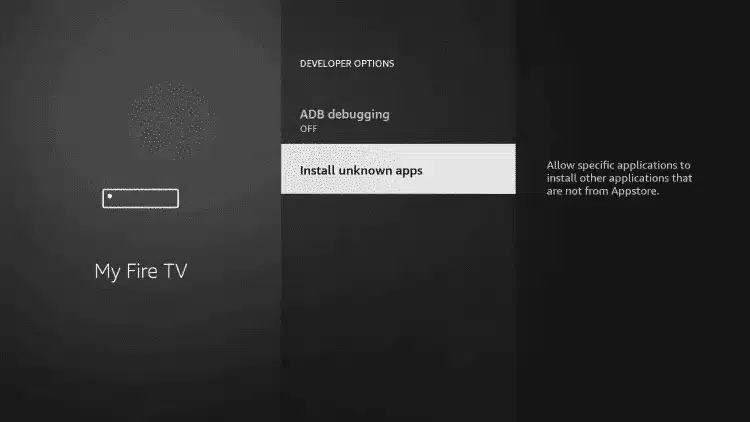
11. Find the Downloader app and click it.
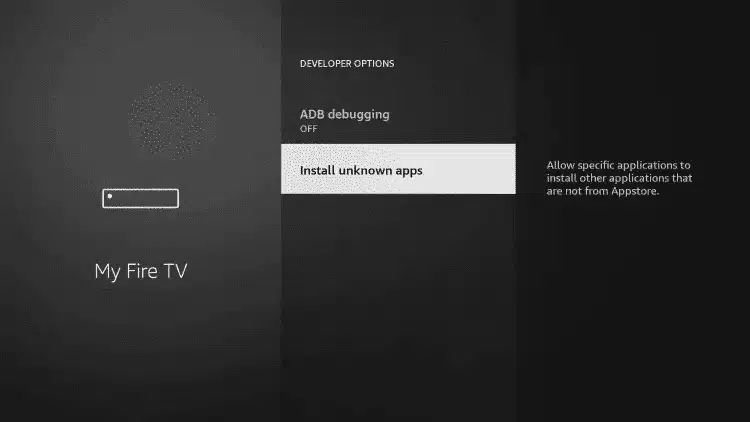
12. This will turn Unknown Sources to On for the Downloader app. This will enable side-loading on your device.
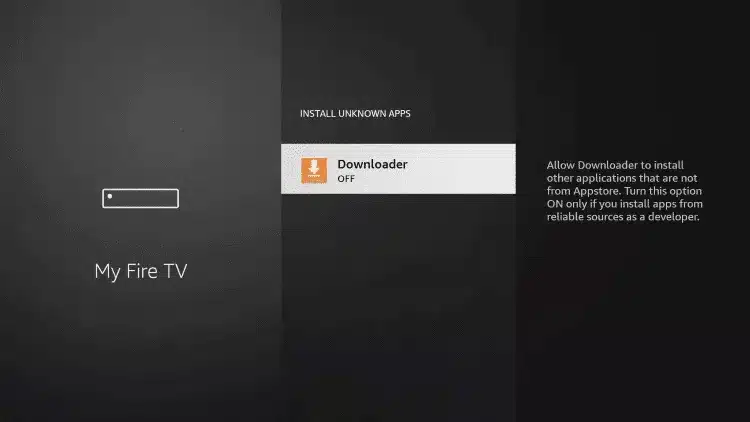
13. Launch Downloader.
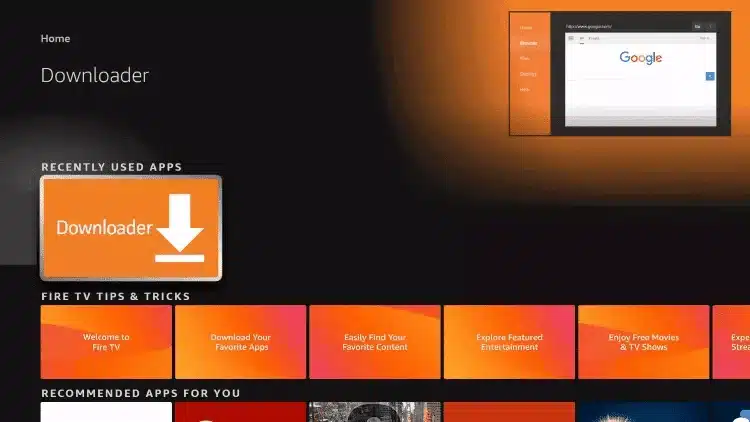
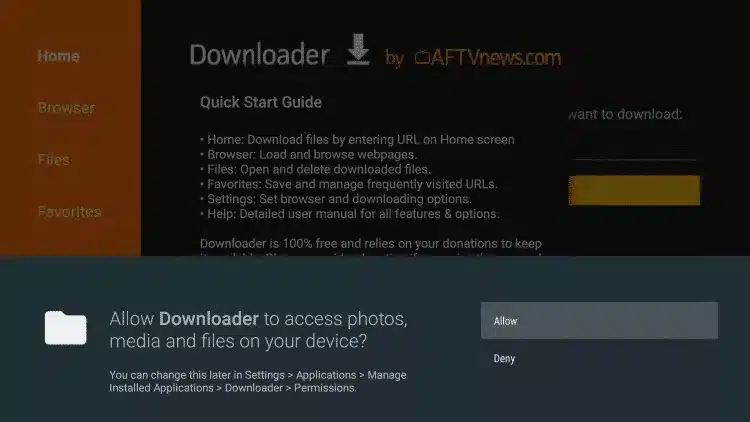
14. Click Allow.
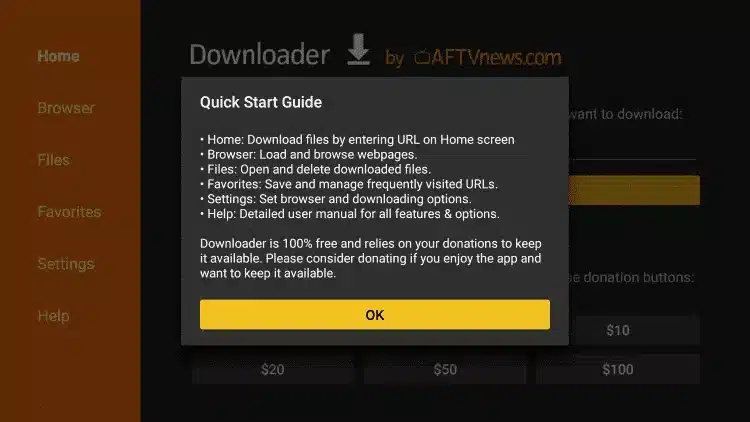
15. Click OK.
16. Type the following code to install IBO PLAYER app
IBO PLAYER Code: 1171959
and click Go.
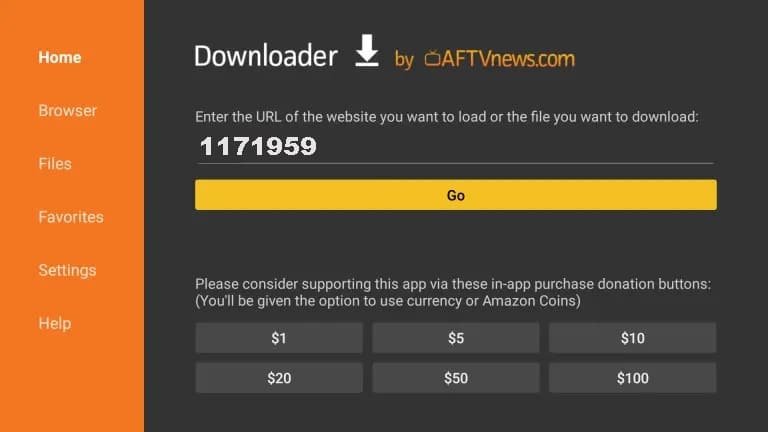
17. Wait for file to download.
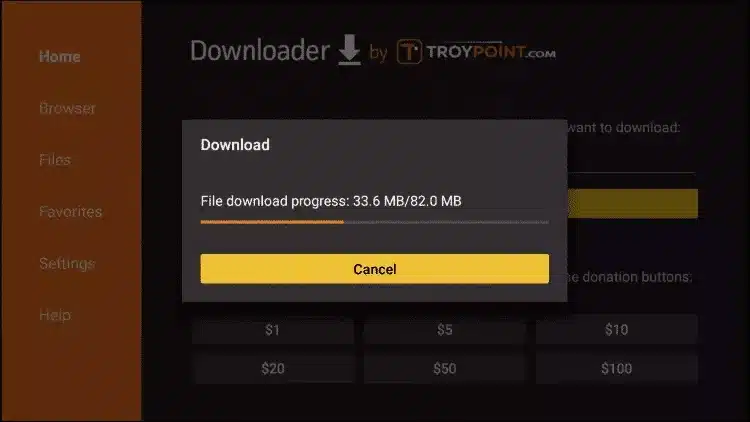
18. Click Install.
19. Again Click Install if prompted
20. Click Install.
21. Open IBO PLAYER.
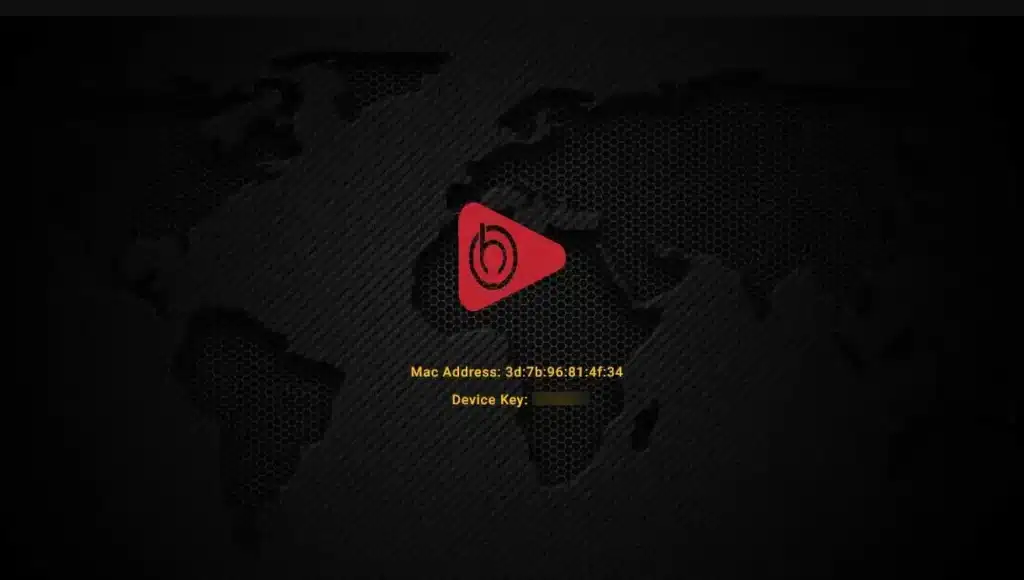
22. Send us the MAC address & Device via Whatsapp, Email or Live Chat
23. After few minutes, restart/reboot your TV and Open the app
Done
How to setup IPTV on Android with IBO Player
Step 1: Start by downloading IBO Player
On your device Android (TV/Box/Phone) download and install IBO Player from the official App store or via https://tinyurl.com/iboplayer15
Step 2: Launch the app & get MAC & Device Key
Open IBO Player. It will show you your MAC address and Device Key on screen.
EX:

Step 4: After few minutes, restart/reboot your TV and Open the app
Done
How to setup IPTV on Apple/IOS with IBO Player
Step 1: You can Search and download IBO PLayer (Recommended) from AppStore
Step 2: After the installation, open the app the you will find MAC Address and Device Key on screen
EX:
Step 4: After few minutes, restart/reboot your TV and Open the app
Done
How to setup IPTV on Smart TV (Samsung, LG, Sony...) with IBO Player
Step 1: You can seacrh and download IBO Player(Recommended) / SetIPTV / NetIPTV / Smart IPTV from your TV store on Samsung, LG …
Step 2: After the installation, open the app the you will find MAC Address and Device Key on screen
EX:
Step 4: After few minutes, restart/reboot your TV and Open the app
Done
How to setup IPTV on Windows and Macbook
Windows Method :
Smarters Player: Download through this URL : https://tinyurl.com/smrtss
Ibo Player (Recommended): Download through this URL : https://tinyurl.com/iboplyer
MAC Method :
Smarters Players: Download through this URL : https://www.iptvsmarters.com/download?download=mac
Ibo Player (Recommended): Download through this URL : https://tinyurl.com/ibomac
Step 1: You can download IBO PLayer (Recommended) from teh above links
Step 2: After the installation, open the app the you will find MAC Address and Device Key on screen
EX:
Step 4: After few minutes, restart/reboot your TV and Open the app
Done
How to setup IPTV on Mag Box
Step 1: When the box is being loaded the main portal screen appears. After that click on “settings”, press remote button “SETUP/SET”.
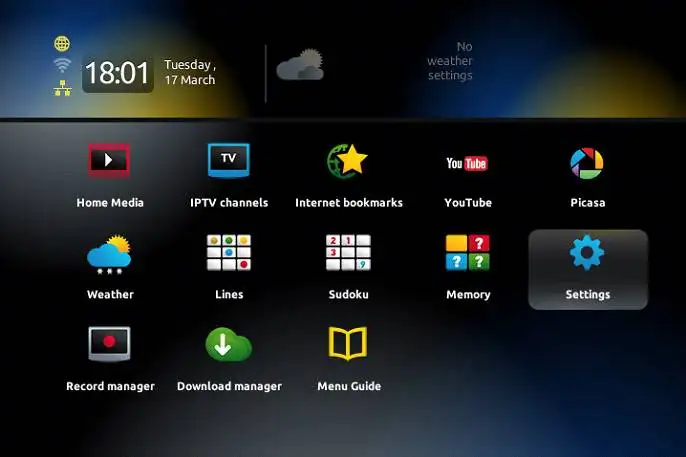
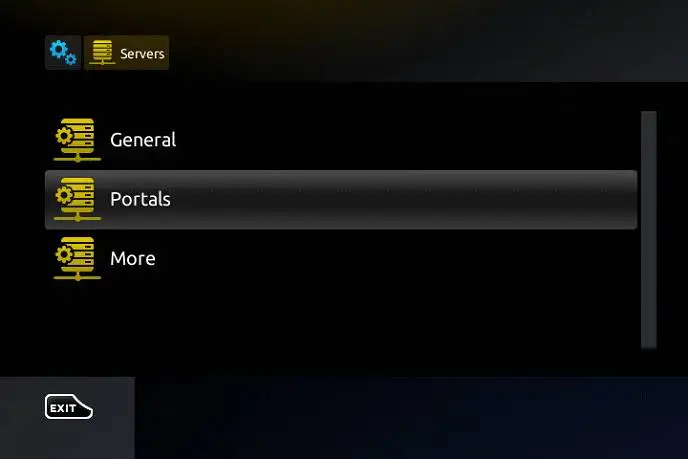
Step 2: Then press on “System settings” and click on “Servers”.
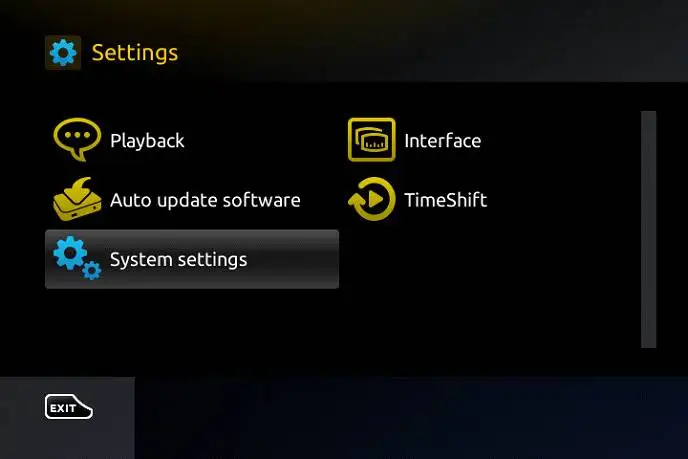
Step 3: Select “Portals”.
Step 4: In the “Portal 1 name” line enter the following ” IPTV “. In the “Portal 1 URL” enter the portal address provided by IPTVPros. First, you must provide your device Mac address which can be found on the back side of your box to us.
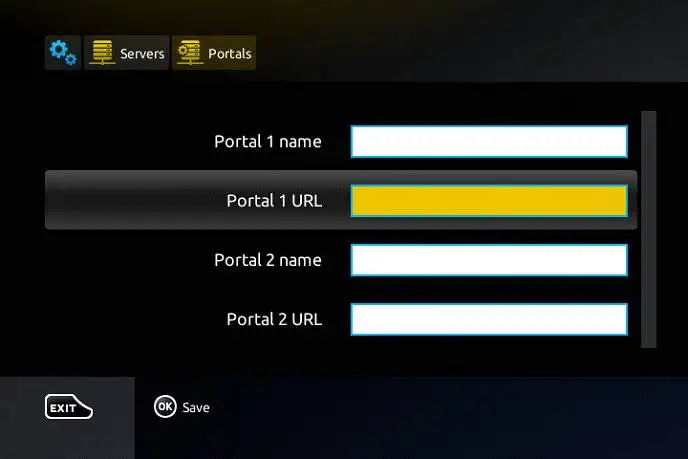
Press “OK” to save the changes you made.
When all the steps listed above are done press”EXIT” 2 times on the remote control and restart the portal.
Now everything is ready to start watching Live TV…
Password for adult content(We do not offer adult)
The password for adult content on MAG is usually 0000 unless it is changed manually by the user.
Touch the success!
Get your subscription